Your floor. Your finish.
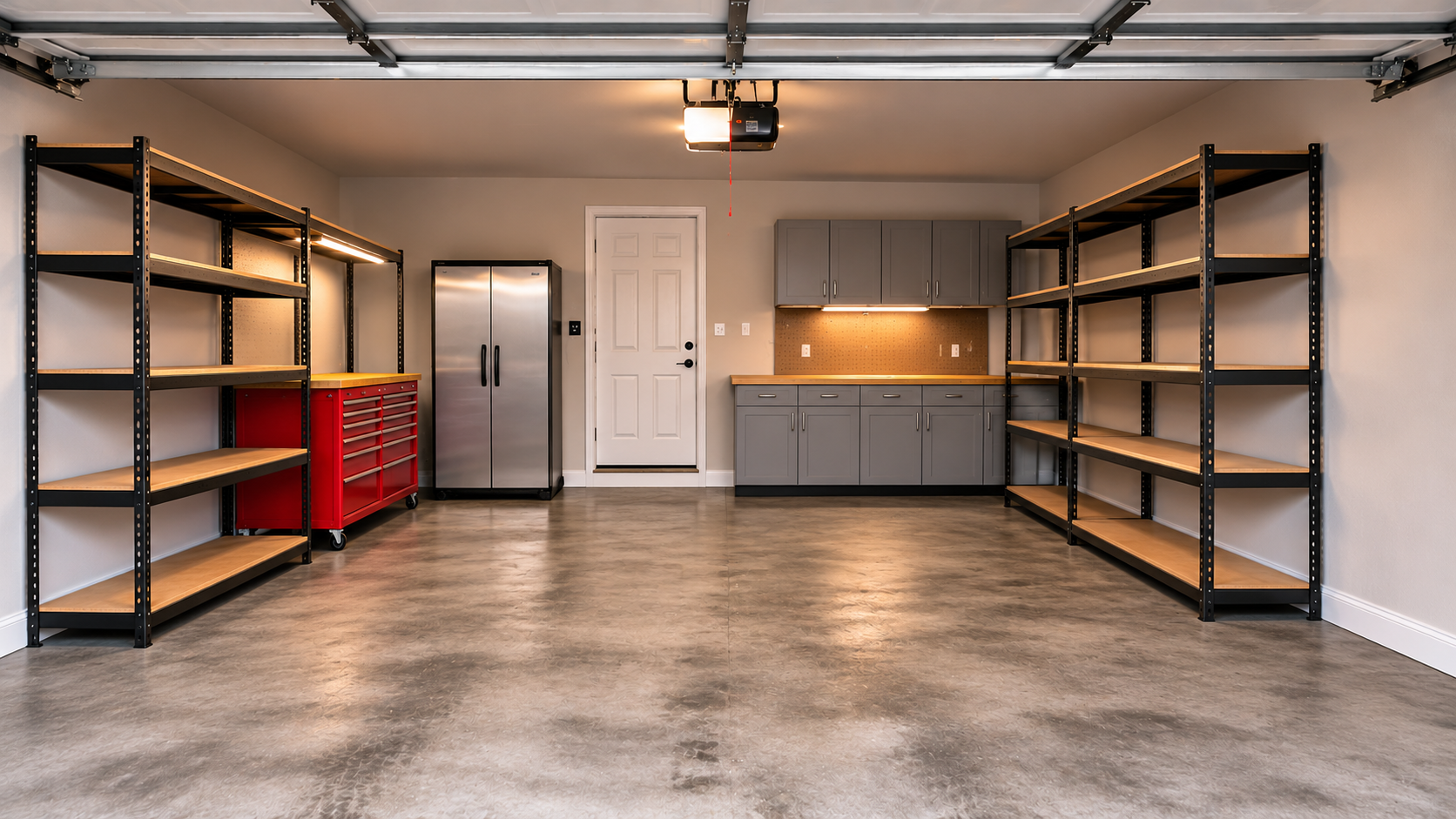
Example garage with an unfinished concrete floor
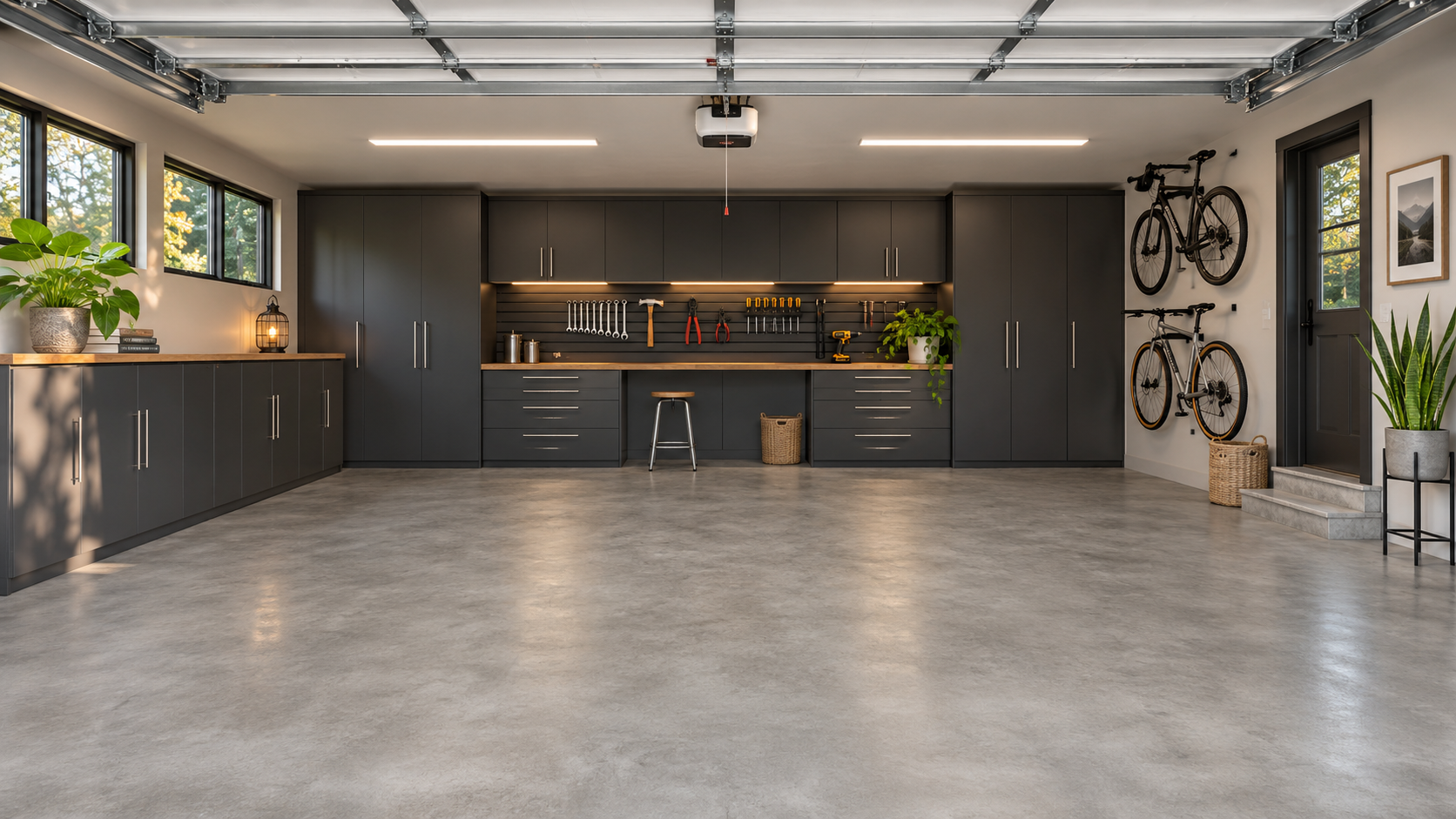
Example garage
Bean
Preparing your preview
Drop your floor photo here
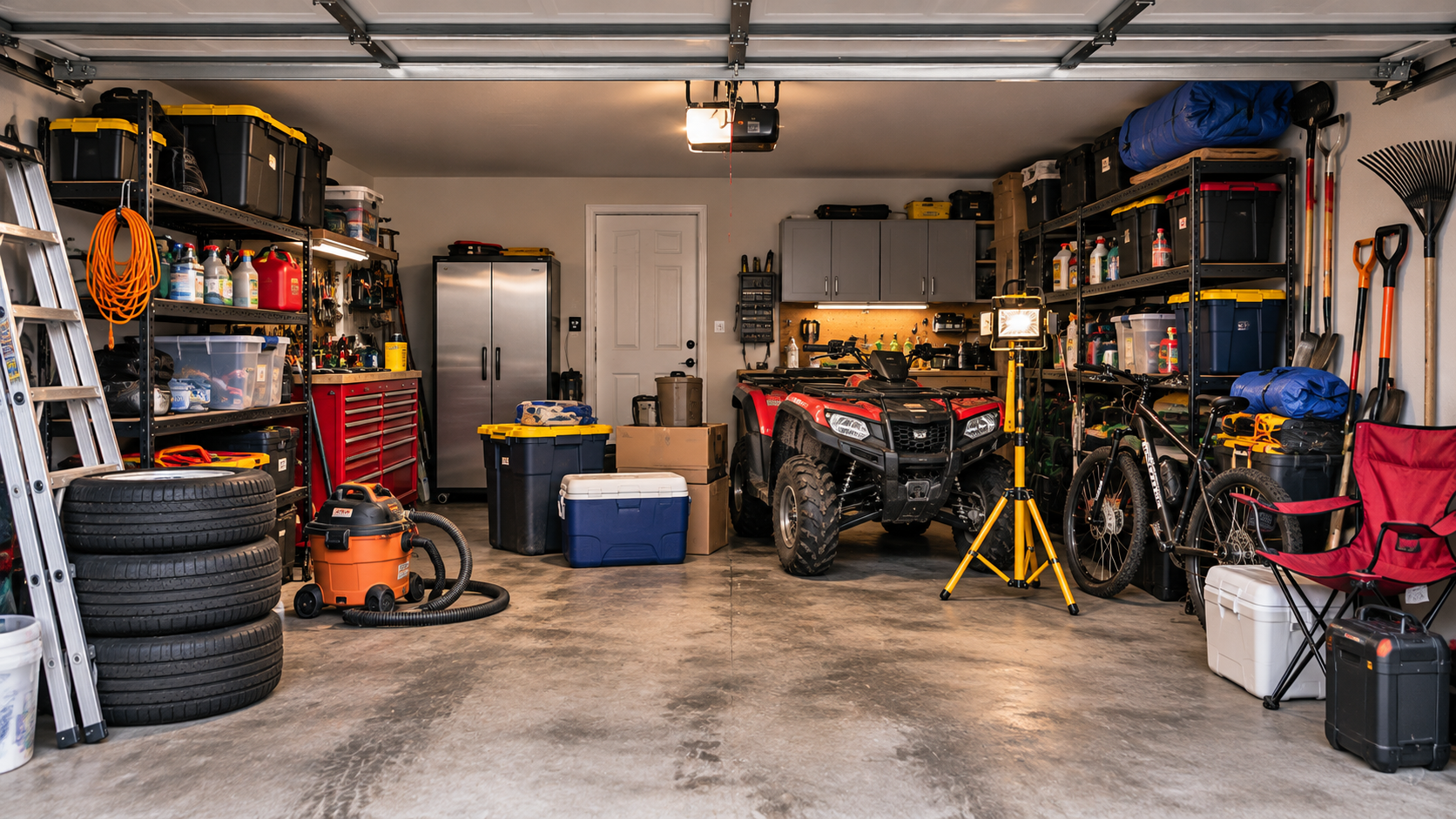
Garage before cleanup, with movable clutter on the floorBefore
The same garage after cleanup, with the floor clearedAfter
Garage cleanup preview

For illustration only. Actual colours, texture and sheen may vary.

About your preview

For illustration only. Actual colours, texture and sheen may vary.

Flakes get smaller toward the back of the floor. Adjust perspective to match your camera angle; the foreground size stays steady.

Every preview includes a sheen. Choose Satin or Gloss and adjust its strength. Reflections illustrate the finish.

Our flakes are 5–6 mm wide. Photo scale and perspective are estimates. Matching the real scale requires a known floor measurement.

Floor selection, colours and finish rendering run on your device. Optional Clean my garage sends your photo to OpenAI only when you click Clean my garage. Your original photo is retained on this device. Today’s uploaded photos, outlines and saved colour versions are kept in this browser and cleared when a new day starts. You can upload three garage photos per day and save several colours for each photo. Download a PNG to keep a copy after today. Opening the visualizer starts with the default garage; choose a thumbnail to reopen one of today’s uploaded photos.

Use Corners to outline the floor accurately. On a phone, place each corner in the magnifying bubble. Move lets you pan the photo without changing the outline.

Use Curbs / walls to select each face separately and give it a different shade. On mobile, place its corners with the magnifying bubble, just like the floor.

Use Remove section to keep a drain, post, or other object visible without coating. On desktop and mobile, place each corner precisely in the magnifier, then choose Apply cutout to return to your surface outline. It is also available in the floor and curb editor. Restore all sections brings the finish back over those areas.

Open-source notices.

Place this corner

Magnified original photo

Tap the exact corner in the bubble.

Save your preview

Preparing your image…

Do you want to clean your garage?

Your uploaded garage photo

Remove movable clutter from the floor before trying colours. Your original photo stays available.

Choosing Clean my garage sends this photo to OpenAI for AI cleanup.

Your saved floor layout

Your saved outline is restored. Download its layout file so it can become the default.

LET’S TALK ABOUT YOUR FLOOR

A finish worth coming home to.

Ask us about your selected finish.

Gravel5–6 mm vinyl flake · Full broadcast

Download your garage photo or finished preview below. In your email app, use the paperclip or Attach file option to attach the downloaded image (usually in Downloads or Files on your phone). Photos cannot be attached automatically to an email draft.

Open email draft

You can also use our quote form and upload photos. Opens your email app. No enquiry is sent until you send the email.